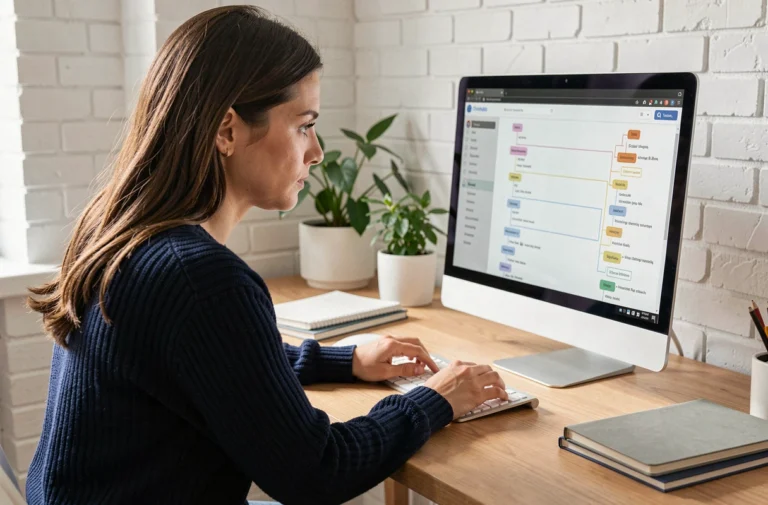
My Proxima is a web portal developed by Tutelle Au Quotidien, the publisher of the Proxima software used by judicial representatives for the protection of adults (MJPM). It is not a traditional mobile application available on a store: access is through the site monproxima.fr, from any browser.
For families supporting a protected adult, understanding how it works avoids unnecessary searches and allows them to focus on what matters: configuring rights and remotely consulting accounts.
My Proxima Web Portal: why there is nothing to download
The confusion comes from the terminology. When looking to “download” My Proxima, one expects to find an .apk file or an App Store listing. The portal does not work that way.
My Proxima is a web application hosted on monproxima.fr. The protected adult, the MJPM, or the authorized relative connects via a browser (Chrome, Firefox, Safari) on a computer, tablet, or smartphone. No local installation is required.
On a smartphone or tablet, it is possible to create a shortcut on the home screen to simulate the behavior of a native application. On Android, simply open monproxima.fr in Chrome, then select “Add to Home Screen.” On iOS, the equivalent action is done through the share button in Safari. The result looks like an application, but it is still the browser that manages the connection.
This approach has a concrete advantage for remote guardianship management: no updates to manage on the user side, no hardware compatibility to check. A device capable of displaying a recent website is sufficient. For families wishing to download My Proxima for guardianship management, the process boils down to saving a shortcut and obtaining their credentials.

Roles and access rights on My Proxima: who sees what in the guardianship file
One of the least documented aspects of My Proxima concerns the granularity of access rights according to user profile. Not all accounts provide access to the same screens or functions.
Scope of the protected adult
The protected adult primarily accesses their bank account statements, administrative documents, and budget forecasts. Actions are limited to viewing: no transaction validation, no file modification.
Scope of the MJPM
The judicial representative has extensive access. They manage accounting, validate bank flows, configure third-party access, and oversee regulatory deadlines. They are the ones who open the file on My Proxima and provide the login credentials.
Scope of authorized relatives and third parties
A family member or a caregiver (home help, social worker) can receive limited consultation access, configured individually by the MJPM. The professional chooses which sections are visible to each third party.
This distribution requires a prior step before any remote use: discussing with the representative to precisely define what each person should be able to consult. Without this configuration, access remains locked or too restricted to be useful.
Obtaining My Proxima credentials from the judicial representative
Unlike most online services, no free registration is possible on My Proxima. Opening an account depends exclusively on the representative or the guardianship service in charge of the protection measure.
The concrete process follows a precise logic:
- Identify the MJPM or the guardianship service designated by the protection litigation judge (formerly the guardianship judge). Their name appears on the guardianship judgment.
- Contact them directly, by mail, phone, or through the usual communication channel, to request the activation of a My Proxima account.
- Specify the desired profile (protected adult or authorized relative) so that the representative can configure the appropriate access rights.
- Receive the credentials (login and temporary password) provided by the professional, then log in to monproxima.fr to change the password on first access.
If the representative does not use the Proxima software in their daily practice, My Proxima will not be available for this file. The portal is linked to the professional’s technical infrastructure, not to an automatic right of the protected adult.

Security of personal data in online guardianship management
Accessing bank statements and administrative documents from a web browser raises legitimate questions about data protection. My Proxima handles sensitive information: identity, assets, health sometimes.
The Proxima software, on the professional side, manages the storage of scanned documents and teletransmission. The My Proxima portal relies on this infrastructure to display data without the user directly handling files. The data remains hosted on the servers of Tutelle Au Quotidien, not on the consultation device.
Some precautions are necessary when using a shared device:
- Never save the password in the browser on a device used by multiple people (nursing home, shared home).
- Always log out after each consultation session.
- Prefer a private browsing mode to avoid the browsing history retaining displayed data.
For family caregivers managing multiple files or sharing a tablet with the protected adult, these reflexes prevent situations where financial information remains accessible to unauthorized individuals.
Remote guardianship management via My Proxima relies on a simple mechanism: a web portal, access rights configured by the representative, and no complex technical installation. The real point of friction remains human, not technical: obtaining the cooperation of the MJPM to activate and properly configure the access of each participant.